Instagram Photo Resizer — Every Size, Private
Instagram crops anything that does not fit its frames, so a photo at the wrong size loses heads, edges or text. An Instagram photo resizer fixes that first — set the size you need for a square post, a portrait, a Story or a Reel, and your picture fits perfectly. Drop one image or a whole batch; it all runs in your browser, with no upload and no limit.
Drag & Drop Images
Resize by pixels, percentage, or longest edge · in your browser
100% Browser-Local Resizing
0 images
The resizer redraws every image on your own device with the Canvas API, so nothing is uploaded. Set an exact width and height from the sizes below, keep the aspect ratio locked so faces do not stretch, then download a single photo or the whole set as one ZIP — ready to post.
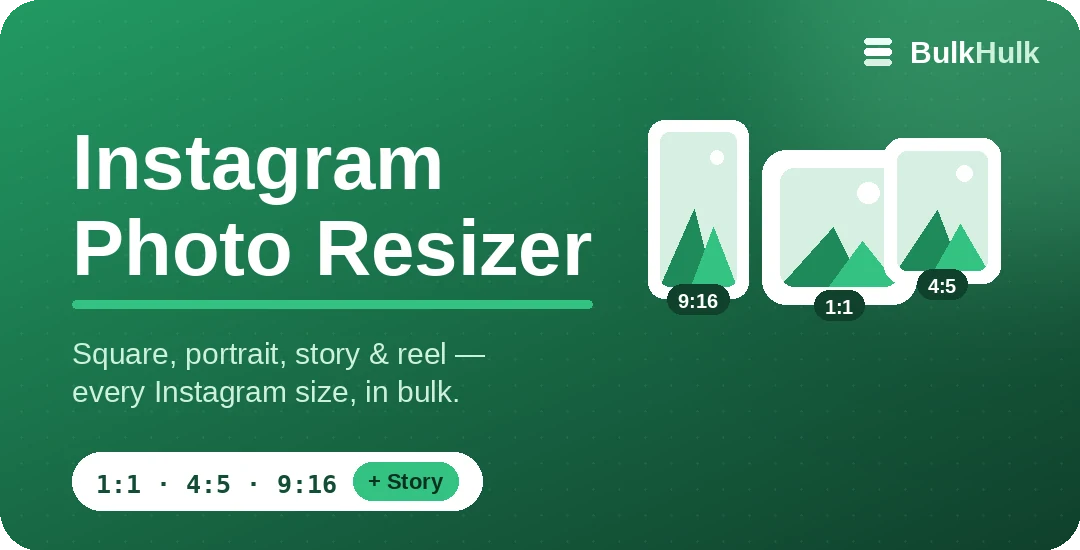
Instagram image sizes (2026)
Instagram shows feed images up to 1080 px wide, so these are the sizes worth resizing to:
Which size should you use?
For most feed posts, the 4:5 portrait (1080 × 1350) is the smart pick — it takes up the most vertical space as people scroll. Use 1:1 square when you want a tidy grid, and 9:16 for Stories and Reels. If a photo is already larger than 1080 px wide, resizing it down also trims the file size, so it uploads faster on mobile data.
Need finer control or a non-Instagram size? Use the full Bulk Image Resizer. To shrink files after resizing, run them through the Bulk Image Compressor, or make a clean round avatar with the shape cropper.
Frequently asked questions
Is the Instagram photo resizer free?
Yes — free, with no sign-up and no watermark, and there is no limit on how many photos you resize at once.
What size should an Instagram post be?
Instagram displays feed images up to 1080 pixels wide. A 1080 × 1080 square (1:1) is the safe default; 1080 × 1350 (4:5) is the tallest portrait the feed allows and takes up the most screen space.
What is the size for Stories and Reels?
Stories and Reels are full-screen vertical at 1080 × 1920 (9:16). Keep important text away from the very top and bottom so icons do not cover it.
Are my photos uploaded anywhere?
No. The resizer redraws each image in your browser with the Canvas API, so your photos never leave your device.