Bulk Image Resizer — Resize by Pixels or Percent
Photos straight off a camera or phone are far larger than a website, form or marketplace usually needs. A bulk image resizer fixes that in seconds — set an exact width and height, a percentage, or a longest-edge limit, and every picture is resized to match. Drop one image or a few hundred; it all runs in your browser, so nothing uploads and there is no limit.
Drag & Drop Images
Resize by pixels, percentage, or longest edge · in your browser
100% Browser-Local Resizing
0 images · 0 B → 0 B
The resizer redraws each image with your browser's Canvas API, so the work stays on your device and stays private. Keep the aspect ratio locked so nothing stretches, or unlock it for an exact box. Turn off enlarging when you only want to scale down, then download a single image or the whole set as one ZIP.
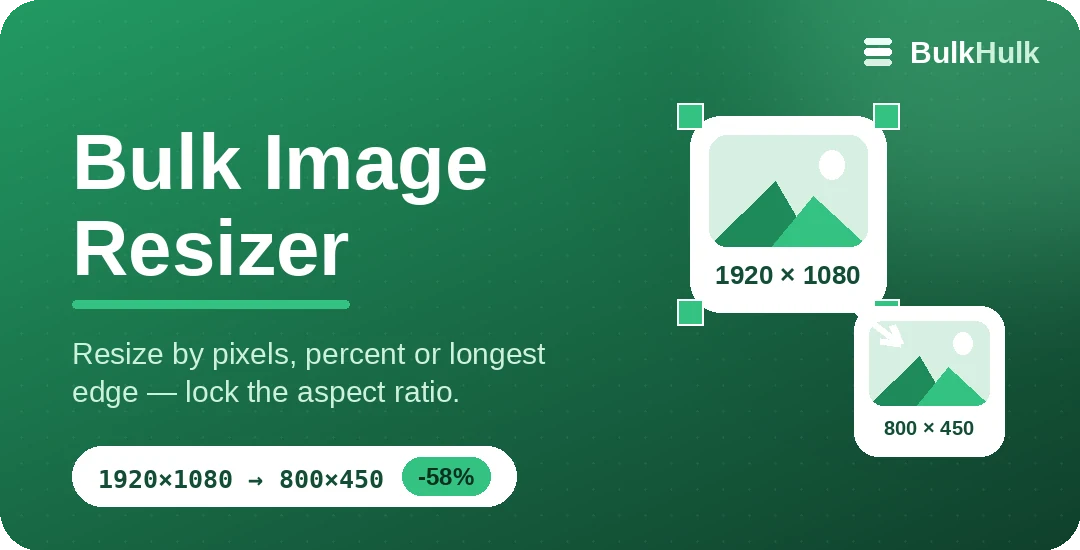
Two ways to resize: pixels or percent
By exact pixels
Type a width and height — or just one side and let the other follow. Ideal when a form or template demands a precise size like 800 × 600.
By percentage
Scale every image to 50% or 25% of its original. Handy for shrinking a mixed batch by the same amount without doing the maths.
Aspect ratio, kept by default
Resizing only one dimension and guessing the other is how images end up squashed. With the ratio locked, set one side and the tool works out the rest, so faces and logos keep their proportions. Serving images close to the size they are actually shown is also a recognised performance win — see web.dev on properly sizing images.
Once images are the right dimensions, shrink the file further with the Bulk Image Compressor, change the format with the Image Converter, or crop to an exact ID size with the Passport Photo Cropper.
Popular sizes to resize to
Not sure what to aim for? These targets cover most everyday needs.
Frequently asked questions
Is this online image resizer free?
Yes — resizing is free, with no sign-up and no watermark, and there is no limit on how many images you process at once.
Will resizing make my images blurry?
Shrinking keeps images crisp. Enlarging can soften them, because the extra pixels have to be invented — leave the "do not enlarge" option on if you only want to scale down.
Does it keep the aspect ratio?
Yes, by default. The width and height stay linked so nothing looks stretched. Unlock the ratio when you need an exact box, such as a strict 800 × 600.
Are my images uploaded anywhere?
No. The resizer redraws each image in your browser with the Canvas API, so the files never leave your device.