Compress Images to 200KB — Free, No Upload
200KB is the sweet spot for many online forms — small enough to upload fast, big enough to stay sharp. Drop a photo and the tool brings it under 200KB without the guesswork.
Drag & Drop Images
JPG, PNG, WebP, AVIF · Bulk Compression
100% Browser-Local Compression
0 images · 0 B → 0 B
Drag the handle to compare · original on the left, compressed on the right
Compressing to 200KB usually keeps photos looking good while cutting most of the weight. The tool finds the right quality automatically, previews it live, and runs entirely in your browser.
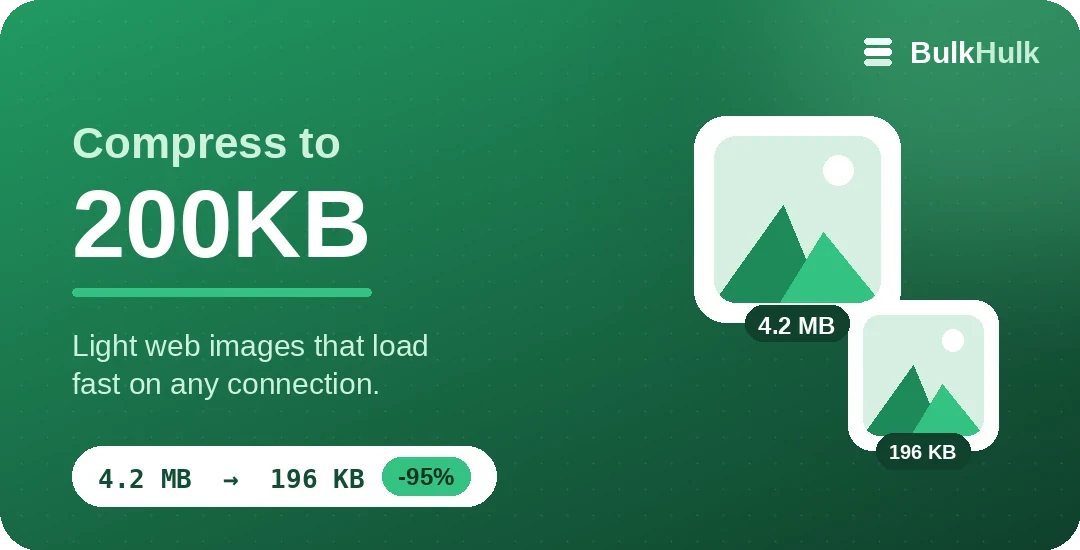
How to compress an image to 200KB
Upload a JPG, PNG or WebP above. The compressor lands the file at 200KB or under, keeps the resolution where it can, and shows you the before and after size.
When 200KB is the right size
200KB gives you more headroom than 50–100KB, so photos keep noticeably more detail.
- Online forms and applications
- Email attachments that should stay light
- Blog and article images
- Marketplace and listing photos
Keep quality: JPEG, PNG or WebP
Format matters as much as quality. JPEG suits photos, PNG stays lossless for graphics and transparency, and WebP usually wins on size, which is why web.dev recommends it for faster pages. When a target is tight, switching to WebP often reaches it with a cleaner result.
Need a different target? Try Compress to 100KB, Compress to 500KB, or the full Bulk Image Compressor.
Frequently asked questions
How do I compress an image to 200KB?
Drop it above. The tool tunes quality until the file is 200KB or smaller and shows the result, so you can confirm it fits before downloading.
Is 200KB good enough quality for the web?
For most photos, yes. 200KB keeps clear detail at typical web sizes; the live preview lets you judge it for your image.
Are my images uploaded?
No. Everything runs in your browser, free and without sign-up, so your photos never leave your device.
Can I do a whole folder at 200KB?
Yes. Add many files or a ZIP and each one is compressed to 200KB or under, then download them all together.